
How to Use AI to Build a Digital Product in a Weekend

System Admin
Writer
Google Ad Slot: post-top
INTRODUCTION
What if you could build a digital product — something you sell online and make money from — in just one weekend?
Not a half-baked idea. A real, polished, saleable product.
With the AI tools available today, that's not a fantasy. It's a legitimate strategy that creators and entrepreneurs are using right now to launch digital products faster than ever before.
In this guide, I'm going to walk you through exactly how to use AI to ideate, create, package, and prepare a digital product for sale — from Friday evening to Sunday night.
Let's build.
STEP 1 — FIND YOUR PRODUCT IDEA (Friday Evening, 30 minutes)
The first step is picking the RIGHT product to build. And AI can help you figure that out faster than any brainstorming session with yourself.
Open ChatGPT or Claude and try this prompt:
"I want to create a digital product that I can sell online. My audience is [describe your audience]. I have knowledge about [your skills/experience]. Give me 10 specific digital product ideas with a brief description of each, their target buyer, and why they would sell well."
You'll get a solid list in seconds. Look for the idea that: ✓ You know enough about to create confidently ✓ Solves a real, specific problem ✓ Can be completed in a weekend (think: guides, templates, toolkits, ebooks)
Great weekend-buildable digital products: • PDF Guide or Ebook (15–40 pages) • Template Pack (Notion, Canva, Excel, etc.) • Swipe File (email templates, prompts, scripts) • Mini Course (3–5 short video modules) • Resource / Toolkit (curated list + explanations) • Checklist or Workbook
Pick ONE. Commit. Move on.
STEP 2 — RESEARCH AND OUTLINE WITH AI (Friday Evening, 45 minutes)
Now that you have your product idea, use AI to build the foundation.
Prompt for Claude (or ChatGPT):
"I'm creating a [ebook / PDF guide / template pack] about [your topic] for [your audience]. Create a detailed outline with chapters, key points under each chapter, and a brief description of what each section should cover. The product should be [X pages / X modules] long. Make it comprehensive, practical, and actionable."
Save this outline. This is your roadmap for the entire weekend.
Pro tip: Ask the AI to also generate a list of the top 10 questions your target audience has about this topic. These become your chapters and sections.
STEP 3 — WRITE THE CONTENT (Saturday, 4–6 hours)
This is where most people get stuck — but AI makes it fast.
Work chapter by chapter using this prompt structure:
"Write section [X] of my [product name] guide. The section is titled '[Section Title]'. It should cover [brief description]. Write it in a [conversational / professional] tone, at a level appropriate for [beginner / intermediate] readers. Make it practical with real examples. Length: 300–500 words."
Do this for every section. Then read through the entire draft and:
- Add your personal examples and stories (this is critical — it's what makes it YOUR product, not just AI content)
- Edit for flow and consistency
- Check facts and update anything outdated
Your goal by Saturday evening: A complete first draft.
Important: AI gives you the structure and speed. YOU bring the personality and expertise. Don't skip the editing step.
STEP 4 — DESIGN THE PRODUCT (Saturday Evening, 2–3 hours)
You have the content. Now make it look like a premium product.
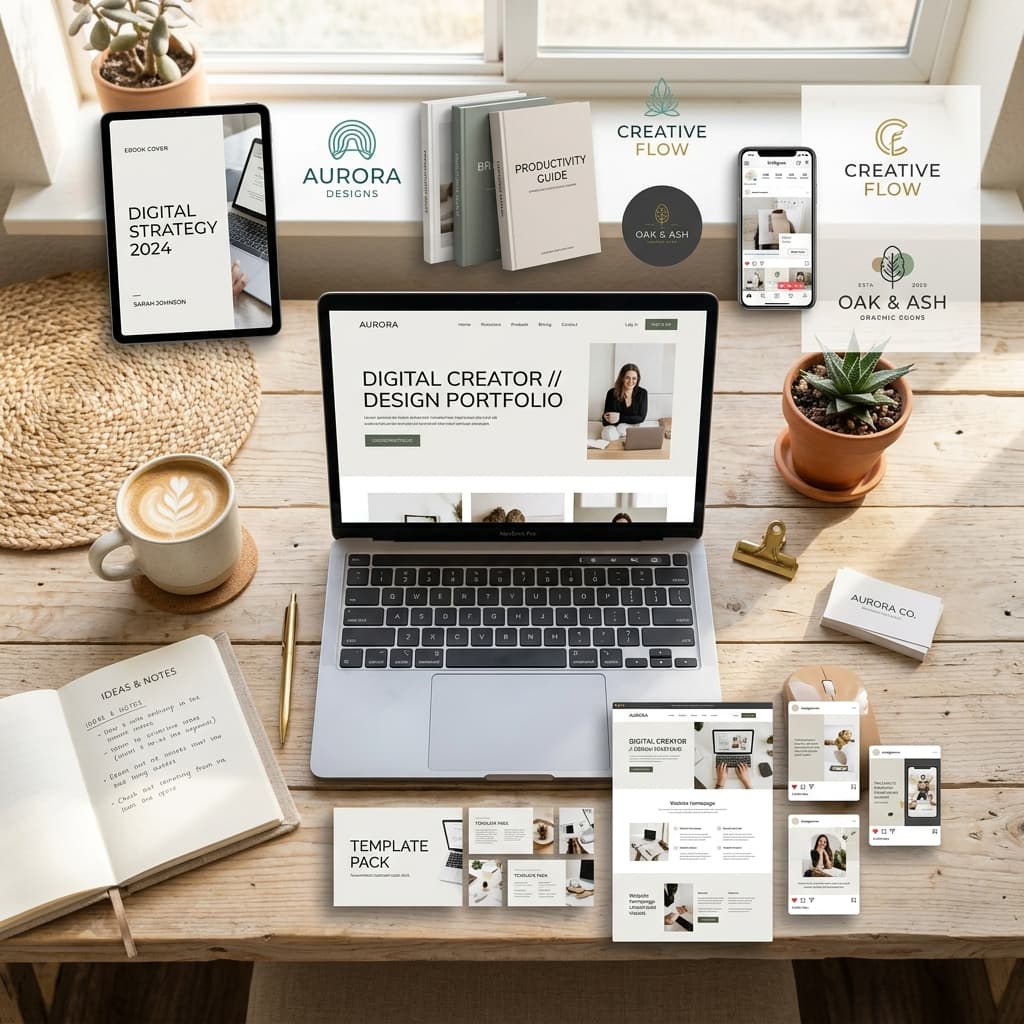
Tools to use: • Canva (free) — has dozens of beautiful ebook and workbook templates • Adobe Express (free tier) — great for clean, professional layouts • Notion (free) — great for template-style products
Steps:
- Go to Canva → search "ebook" or "PDF guide" → pick a template
- Replace the template content with yours
- Add your brand colors, fonts, and logo
- Include a cover page, table of contents, and each chapter
Pro tip: Use AI (Midjourney or DALL-E) to generate a custom hero image for your cover. A professional-looking cover is worth 50% of your perceived value.
Prompt for cover image (Midjourney): "Minimalist modern ebook cover design, [your topic] theme, clean typography space, gradient background [your brand colors], professional and premium, digital product mockup style"
By Saturday night: You have a designed, polished PDF product.
STEP 5 — WRITE YOUR SALES COPY (Sunday Morning, 1–2 hours)
A great product with bad copy won't sell. Let AI help you nail the pitch.
Use this prompt in ChatGPT or Copy.ai:
"Write a product description for my digital product called '[Product Name]'. It's a [type of product] that helps [target audience] achieve [result] by [method]. Include: a compelling headline, a problem statement, 5 key benefits, what's included, who it's for, and a strong call to action. Keep it conversational and persuasive."
Also have AI generate: • 3 email subject lines for your launch email • 5 social media captions for the launch • A short FAQ section (5 questions and answers)
STEP 6 — PACKAGE AND LIST IT FOR SALE (Sunday Afternoon, 1–2 hours)
Now it's time to actually sell the thing.
Where to list your digital product: • Gumroad — free to start, takes a small percentage • Payhip — similar to Gumroad, clean storefront • Stan Store — great for creator-led businesses • Your own website — best for long-term brand building
What you need to upload: ✓ The PDF / product file ✓ Cover image (from your Canva design or Midjourney) ✓ Product description (from your AI-generated copy) ✓ Price (start between $9–$47 for your first product)
Hit publish. Then share the link everywhere you have an audience.
THE WEEKEND RECAP
Friday Evening: Idea selection + outline (1–2 hours) Saturday: Write all content (4–6 hours) Saturday Evening: Design the product (2–3 hours) Sunday Morning: Write sales copy (1–2 hours) Sunday Afternoon: List for sale + launch (1–2 hours)
Total time: ~10–14 hours. One weekend. One product.
FINAL THOUGHTS
The biggest lie people tell themselves is "I need more time." You don't.
You need a clear process, the right tools, and the willingness to ship something imperfect and improve it over time.
AI has compressed what used to take weeks into a single weekend. That's an extraordinary opportunity — and it's available to you right now.
At Mind Frame Agency, we've built multiple digital products using exactly this process. If you want a ready-made template to help you build yours faster, check out our Digital Product Starter Kit in the shop. It includes templates, Canva designs, and a step-by-step checklist.
Your product idea is waiting. This weekend might be the one where everything changes.
================================================================================ CALL TO ACTION
→ Grab our Digital Product Starter Kit in the Mind Frame Agency shop — includes Canva templates, content frameworks, and launch checklists.
→ Already have a product idea? Drop it in the comments — we'd love to hear it.
Google Ad Slot: post-bottom
About the Author
System Admin
Discussion0
Continue reading
You might also like

Artificial Intelligence & Tools
Prompt Engineering 101: How to Get 10x Better Results from Any AI
System Admin
Artificial Intelligence & Tools
ChatGPT vs. Claude vs. Gemini: Which AI Is Actually Best for You?
System Admin

Artificial Intelligence & Tools
The Top 10 AI Tools You Actually Need in 2026 (And How to Use Them)
System Admin